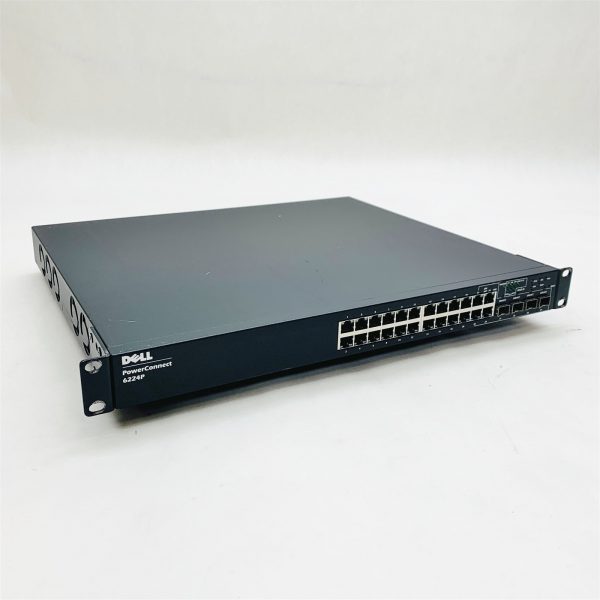
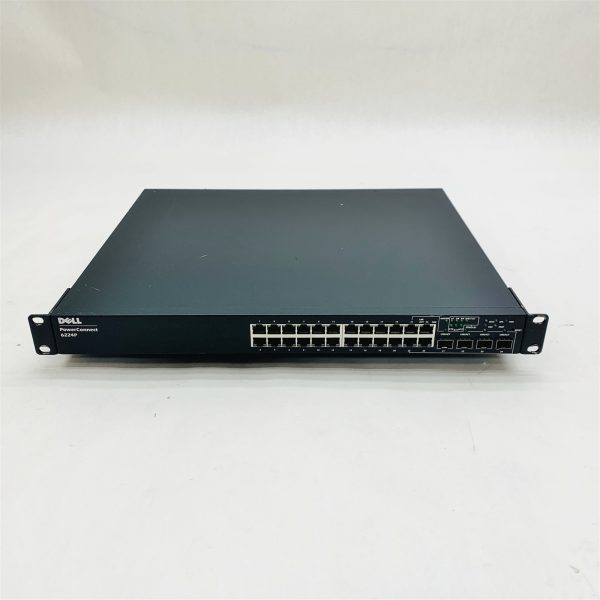
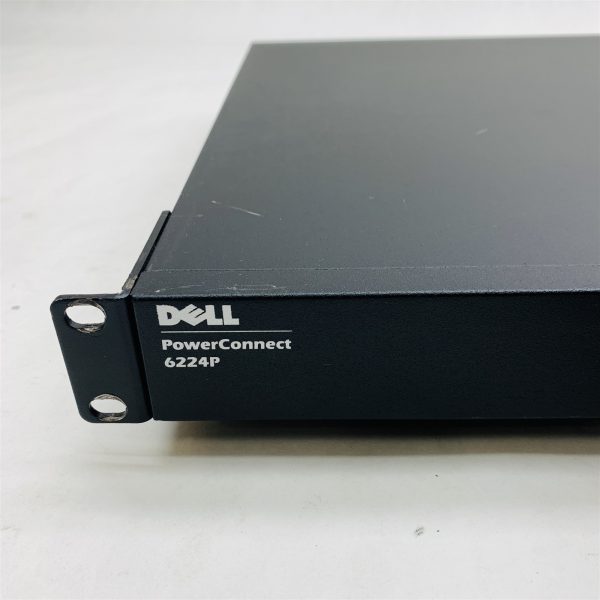
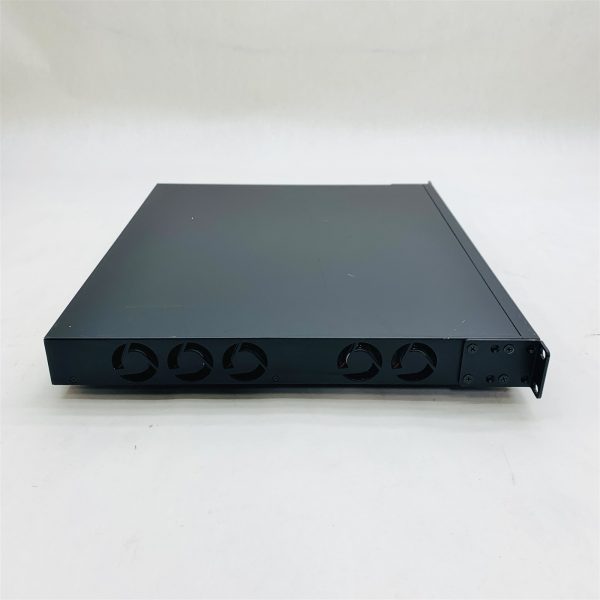
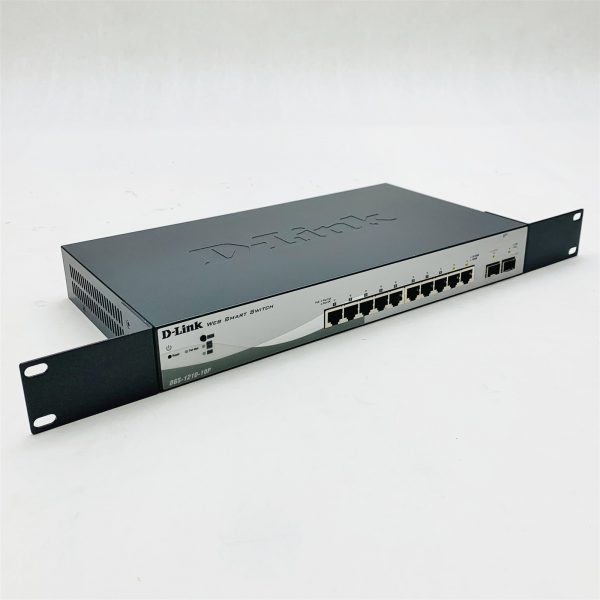
Dell PowerConnect 6224P 24-Port 4-SFP L3 Managed Gigabit Ethernet Switch 0HG682
0 out of 5
TESTING & COSMETIC NOTES:This is a USED WORKING item in GOOD cosmetic condition that IS THOROUGHLY TESTED and is GUARANTEED WORKINGThis unit powers on, lights up, and comes to a ready status. The unit has been reset to the factory default settings. See console log below. COMPONENTS INCLUDED IN THIS AUCTION:• (1) – DELL POWERCONNECT 6224P 24-PORT POE 4-SFP L3 MANAGED GIGABIT ETHERNET SWITCH• (1) – POWER CORD REPLACEMENT or MONEY BACK GUARANTEE:When you receive a Guaranteed item from OC Depot, it should perform as described. In the rare situation that this is not the case, we will send a replacement upon safe return of the original item within 30 days of receiving the item. If a replacement is not available we will honor the terms of our Money-Back Guarantee. ADDITIONAL INFORMATION:Boot Menu 3.3.10.3CPU Card ID: 0x508541/DskVol// – disk check in progress …/DskVol// – Volume is OK total # of clusters: 15,147 # of free clusters: 5,570 # of bad clusters: 0 total free space: 11,140 Kb max contiguous free space: 11,153,408 bytes # of files: 23 # of folders: 1 total bytes in files: 19,132 Kb # of lost chains: 0 total bytes in lost chains: 0 volume descriptor ptr (pVolDesc): 0x3903150XBD device block I/O handle: 0x10001auto disk check on mount: DOS_CHK_REPAIR |DOS_CHK_VERB_2volume write mode: copyback (DOS_WRITE)max # of simultaneously open files: 52file descriptors in use: 0# of different files in use: 0# of descriptors for deleted files: 0# of obsolete descriptors: 0 current volume configuration: – volume label: NO LABEL ; (in boot sector: ) – volume Id: 0xc8 – total number of sectors: 60,716 – bytes per sector: 512 – # of sectors per cluster: 4 – # of reserved sectors: 1 – FAT entry size: FAT16 – # of sectors per FAT copy: 60 – # of FAT table copies: 2 – # of hidden sectors: 4 – first cluster is in sector # 136 – Update last access date for open-read-close = FALSE – directory structure: VFAT – file name format: 8-bit (extended-ASCII) – root dir start sector: 121 – # of sectors per root: 15 – max # of entries in root: 240 FAT handler information:———————— – allocation group size: 2 clusters – free space on volume: 11,407,360 bytes Boot Menu 3.3.10.3Select an option. If no selection in 10 seconds thenoperational code will start. 1 – Start operational code.2 – Start Boot Menu.Select (1, 2): Operational Code Date: Tue Oct 31 12:38:09 2017Uncompressing….. Adding 0 symbols for standalone. CPU: Motorola E500 : Unknown system version. Processor #0. Memory Size: 0x10000000. BSP version 1.2/0. Created: Oct 31 2017, 12:27:43 ED&R Policy Mode: deployed/DskVol// – disk check in progress …dosChkLib : CLOCK_REALTIME is being reset to SUN DEC 23 07:29:20 2007Value obtained from file system volume descriptor pointer: 0x359be30The old setting was THU JAN 01 00:00:00 1970Accepted system dates are greater than THU DEC 27 00:00:00 1990/DskVol// – Volume is OK total # of clusters: 15,147 # of free clusters: 5,570 # of bad clusters: 0 total free space: 11,140 Kb max contiguous free space: 11,153,408 bytes # of files: 23 # of folders: 1 total bytes in files: 19,132 Kb # of lost chains: 0 total bytes in lost chains: 0 volume descriptor ptr (pVolDesc): 0x359be30XBD device block I/O handle: 0x10001auto disk check on mount: DOS_CHK_REPAIR |DOS_CHK_VERB_2volume write mode: copyback (DOS_WRITE)max # of simultaneously open files: 52file descriptors in use: 0# of different files in use: 0# of descriptors for deleted files: 0# of obsolete descriptors: 0 current volume configuration: – volume label: NO LABEL ; (in boot sector: ) – volume Id: 0xc8 – total number of sectors: 60,716 – bytes per sector: 512 – # of sectors per cluster: 4 – # of reserved sectors: 1 – FAT entry size: FAT16 – # of sectors per FAT copy: 60 – # of FAT table copies: 2 – # of hidden sectors: 4 – first cluster is in sector # 136 – Update last access date for open-read-close = FALSE – directory structure: VFAT – file name format: 8-bit (extended-ASCII) – root dir start sector: 121 – # of sectors per root: 15 – max # of entries in root: 240 FAT handler information:———————— – allocation group size: 2 clusters – free space on volume: 11,407,360 bytes Timebase: 66.666666 MHz, MEM: 266.666664 MHz, PCI: 66.666666 MHz, CPU: 533.333328 MHzPCI unit 0: Dev 0xb314, Rev 0x01, Chip BCM56314_A0, Driver BCM56314_A0SOC unit 0 attached to PCI device BCM56314_A0Adding BCM transport pointersConfiguring CPUTRANS TXConfiguring CPUTRANS RXInstantiating /download as rawFs, device = 0x20001Formatting /download for DOSFSInstantiating /download as rawFs, device = 0x20001Formatting…/download: file system is marked clean, skipping checkOK. DEC 23 07:29:31 0.0.0.0-1 UNKN[268434720]: bootos.c(233) 1 %% Event(0xaaaaaaaa)Instantiating RamCP: as rawFs, device = 0x30001Formatting RamCP: for DOSFSInstantiating RamCP: as rawFs, device = 0x30001RamCP:/ – disk check in progress …RamCP:/ – Volume is OK total # of clusters: 1,975 # of free clusters: 1,973 # of bad clusters: 0 total free space: 1,010,176 max contiguous free space: 1,010,176 bytes # of files: 0 # of folders: 0 total bytes in files: 0 # of lost chains: 0 total bytes in lost chains: 0OK. (Unit 1 – Waiting to select management unit)> Applying Global configuration, please wait … Welcome to Dell Easy Setup Wizard The Setup Wizard guides you through the initial switch configuration, andgets you up and running as quickly as possible. You can skip the setupwizard, and enter CLI mode to manually configure the switch. You mustrespond to the next question to run the setup wizard within 60 seconds,otherwise the system will continue with normal operation using the defaultsystem configuration.Note: You can exit the setup wizard at any pointby entering [ctrl z]. Would you like to run the setup wizard (you must answer this question within60 seconds)? [Y/N] No data within sixty seconds!!! Thank you for using Dell Easy Set up Wizard. You will now enter CLI mode. Applying Interface configuration, please wait … console>
Categories: Dell Docking Station, App Screen Mockups,